Scratch vs Tynker: Which Coding Tool Should Your Child Start With?
A parent-friendly comparison of open-ended creativity vs structured coding lessons
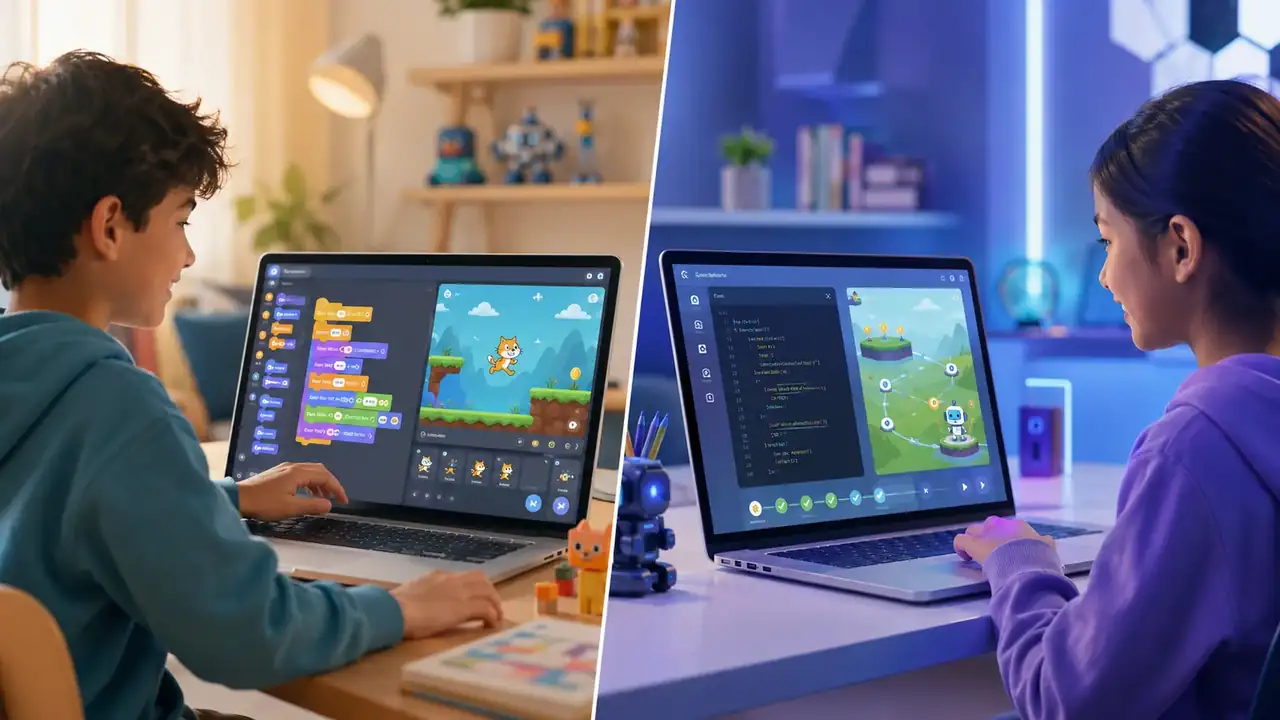
Scratch and Tynker are two of the most common coding tools parents discover first. Both can help children learn programming concepts, but they are not the same kind of learning experience.
The simple version: Scratch is usually better for creative exploration. Tynker is usually better for structured progression.
Quick recommendation
- Choose Scratch if your child likes creating stories, animations, games, and experimenting freely.
- Choose Tynker if your child needs lessons, levels, challenges, and a clearer path toward text-based coding.
- Use both if your child enjoys coding and you want creativity plus structure.
What Scratch is best for
Scratch is a visual coding platform where children drag coding blocks together to create interactive projects. It is excellent for early confidence because children can build something quickly without worrying about syntax.
Scratch works especially well for children who like art, storytelling, characters, game ideas, or playful experiments.
What Tynker is best for
Tynker is more lesson-based. It often feels like a guided path with coding puzzles, challenges, and progressions. This can help children who need direction or who want to move from block coding toward Python, JavaScript, or game development.
Tynker is useful when your child already shows coding interest and wants more structured practice.
Age fit
For many families, Scratch works well around ages 8-12 as a first independent coding experience. Tynker can work around ages 7-14, especially when a child likes challenges and step-by-step lessons.
Younger children may need adult support with either tool. Older children may eventually need Python, JavaScript, robotics, or web projects to keep progressing.
Creativity vs structure
This is the biggest difference. Scratch gives children a blank canvas. Tynker gives them more of a path.
Neither is automatically better. The right choice depends on your child. Some children thrive with freedom. Others need a sequence of small wins.
Parent decision checklist
- Does your child like making their own projects? Start with Scratch.
- Does your child ask for clear instructions and levels? Try Tynker.
- Does your child get bored without a goal? Tynker may help.
- Does your child love inventing stories or games? Scratch may be better.
- Does your child already know Scratch basics? Tynker can be a next step.
Best way to use Scratch
Give your child a small project challenge: make a character move, create a quiz, build a simple maze, or animate a story. Ask them to explain what each block does.
Best way to use Tynker
Use Tynker as a learning path. Let your child complete a short lesson, then ask them to build something original using the same concept.
Common mistakes
- Choosing a tool because it looks popular instead of matching your child.
- Expecting a child to learn coding passively.
- Focusing only on finishing lessons instead of creating projects.
- Moving to advanced text coding too soon.
Final verdict
Start with Scratch if you want a free, creative, low-pressure coding entry point. Choose Tynker if your child needs structure and is ready for a more guided progression.
The best coding tool is the one your child will use to make real projects, explain their thinking, and keep improving.
Next step: try one small Scratch project or one short Tynker lesson, then watch which one creates more curiosity.
How to make coding useful at home
Coding becomes valuable when a child builds something visible and then improves it. A tiny finished project teaches more than a long course that never turns into a working result.
Parents do not need to know the answer to every bug. A better role is to ask what the child expected, what happened instead, and what they will test next.
Good first project signs
- The project can be finished in one or two sessions.
- The child can change one rule, character, screen, or feature.
- The child can explain one bug and how they fixed it.
- The project leads naturally to a second version.
Recommended next steps
For a more personal starting point, open the Scratch parent guide. If your child is ready for a practical path, continue with the Tynker parent guide.